Using LevelFour
Renewing a commitment
Price the replacement for an expiring Reserved Instance or Savings Plan, choose its terms and how it is delivered, and approve the purchase.
A renewal replaces a commitment that is about to end. You price the options in the commitment's Renewal panel, pick one, and approve it. Nothing is bought until an admin approves.
Only organization admins can renew. Everyone else sees the prices with the line Only organization admins can renew a commitment.
When you can renew
Open the commitment from Commitments in the sidebar. What the Renewal panel offers depends on how close the commitment is to its end.
| When | What the panel does |
|---|---|
| More than 30 days before the end | Shows the date the renewal opens |
| In the last 30 days | Schedules the renewal for the moment the current term ends, so coverage continues without a gap. Confirm at least 3 hours before the end, or 4 when only the end date is known |
| Less time than that | Buys immediately. A short uncovered gap at the term boundary is possible |
| Up to 14 days after the end | Buys immediately. The new term starts now, and the hours without coverage are not recovered |
| After that | The renewal window has closed. New coverage comes from a new recommendation |
A commitment that was returned, exchanged, cancelled, or never ran because its payment failed has nothing to renew, and the panel says which of these happened.
Compare the options
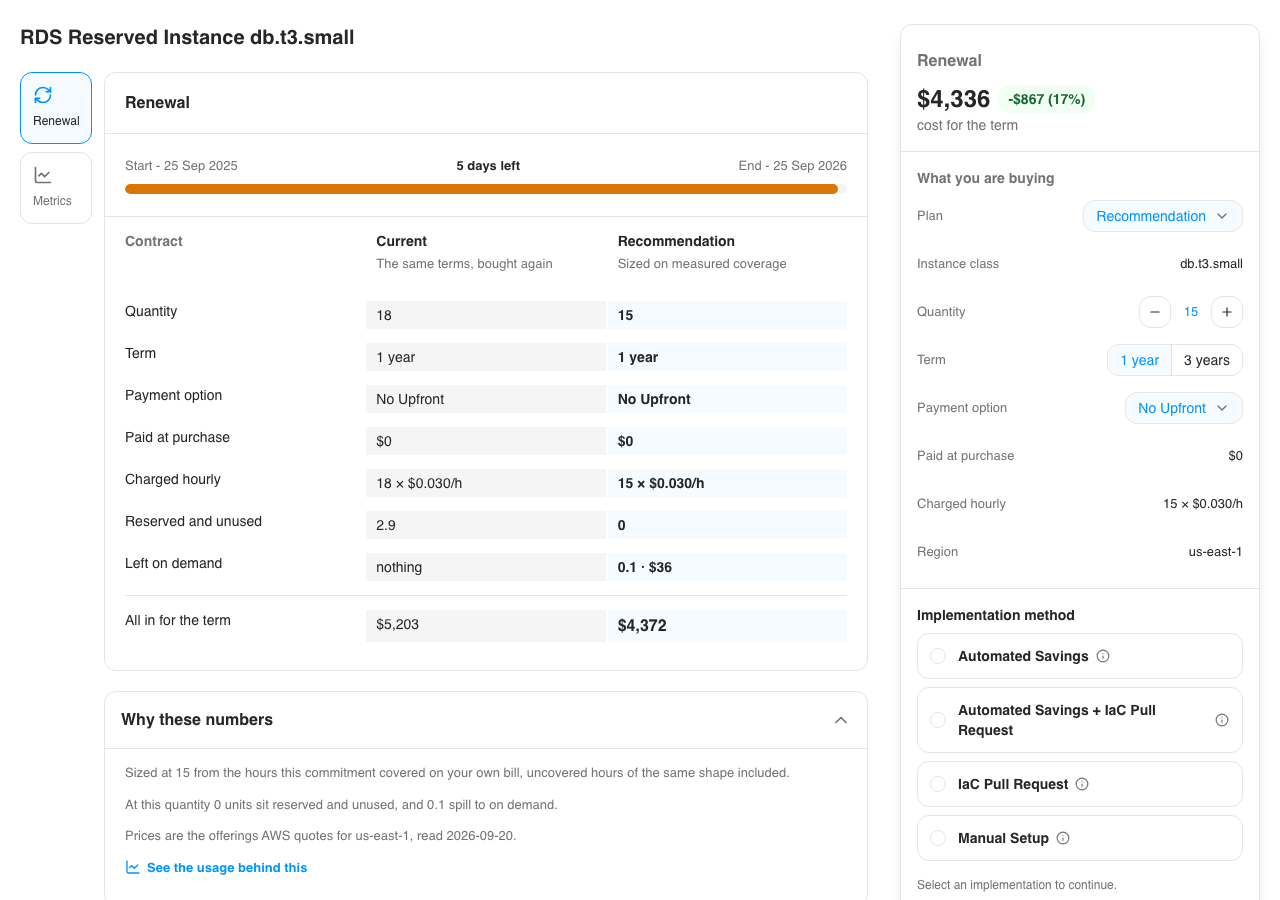
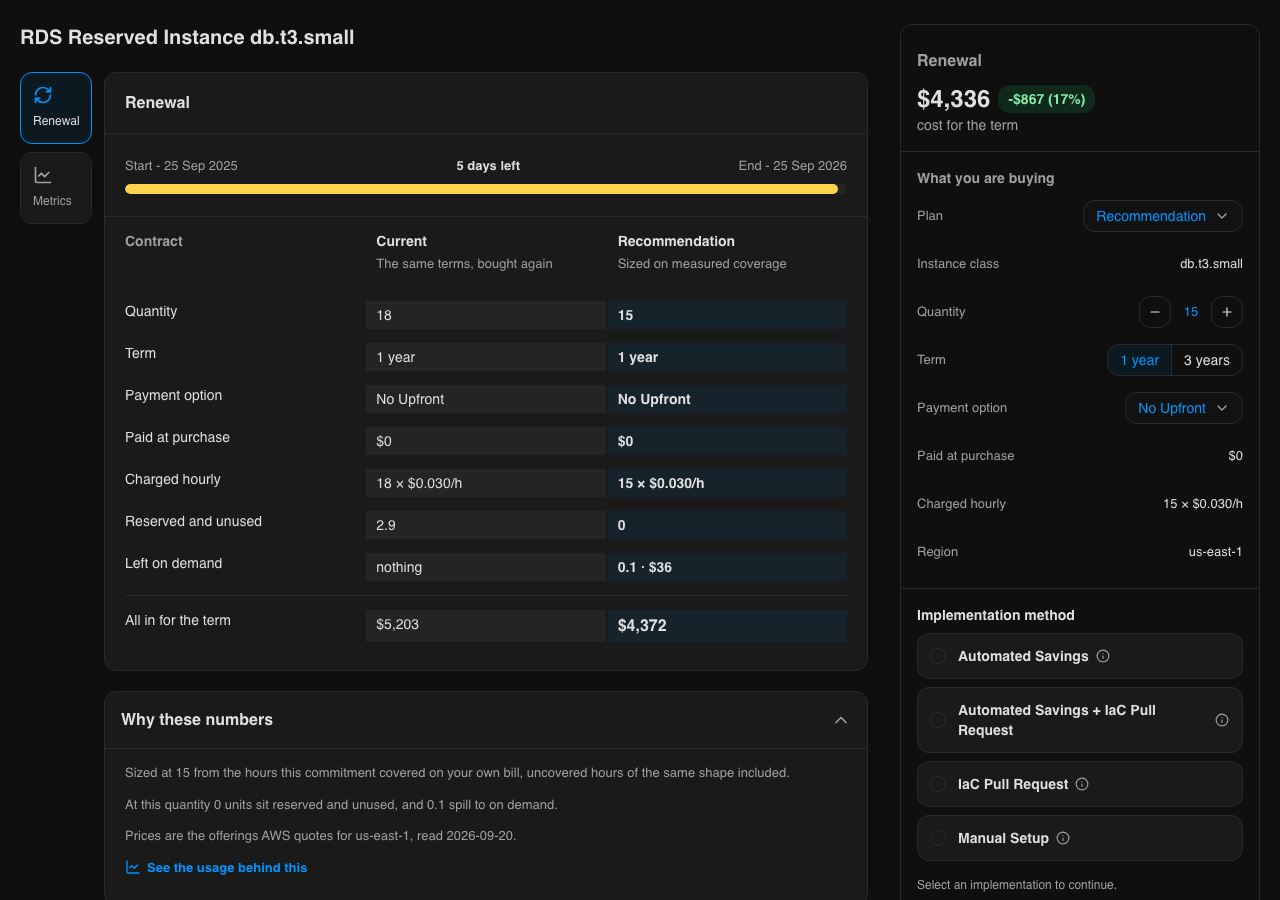
The Contract table sets the commitment as it stands beside the option you pick, row by row: Quantity, Term, Payment option, Paid at purchase, Charged hourly, Reserved and unused, Left on demand, and All in for the term, which adds the cost of any usage the option would leave on demand.
Plan in What you are buying chooses the option:
| Plan | What it buys |
|---|---|
| Recommendation | The quantity LevelFour sized from how much of the commitment you used. It is never more than you hold today |
| Renew as is | The same terms, bought again |
| Custom | Your own quantity, term and payment option |
Quantity steps up and down with - and +. Term and Payment option list only what AWS sells for this commitment. The price at the top of the box, cost for the term, shows the difference against renewing as is.
Why these numbers explains the recommended quantity, and See the usage behind this charts the daily usage it was sized on. The panel also names the AWS region and the date the prices were read.
Approve the renewal
Choose the plan and terms
Pick the Plan, then adjust Quantity, Term and Payment option if you need to.
Choose an implementation method
Pick how the purchase is delivered, from the same list as any saving. Implementation methods covers what each one needs. An access grant for a renewal lasts 33 days, so it is still live when the term ends.
Acknowledge
Tick I understand this places a commitment that cannot be cancelled, modified or refunded once it starts.
Approve
The button reads Approve and schedule for the recommendation. For the other plans it reads Schedule renewal, or Renew commitment when the renewal buys immediately.
After approval the panel confirms when the renewal will be placed, and View status and logs opens the purchase.
Follow the purchase
The commitment's Status & Logs tab shows Purchase status in five steps:
- Verify access and approval
- Resolve offering
- Price check
- Purchase
- Confirm activation
Some services offer no way to check a price before buying, so the price check is marked as not applicable for them. Execution logs lists what each step ran.
AWS lets you return a Savings Plan for seven days after it is bought. While that window is open, the plan's Renewal panel shows Returnable until with the date.
From other surfaces
- The MCP server prices the options with
get-commitment-renewal-optionsand sizes the repurchase withget-commitment-renewal-plan. See Tools l4 commitments renewalsizes the repurchase from a terminal